About
This extension enables you to connect JioSaavn to your Echo Music player using your own self-hosted server on Cloudflare Workers. It runs independently on your account, requires no API keys, and delivers audio directly from the source CDN at the highest possible quality.
Setup
You will need a free Cloudflare account and a GitHub account.
- Click the Deploy button above to sign in and authorize GitHub access.
- Follow the setup prompts to clone this repository and initialize the deployment configuration.
- Use the following configuration values if prompted during the setup:
| Setting | Command |
|---|---|
| Build Command |
npm run check && npm run
                                                test:echo
|
| Deploy Command |
npx wrangler deploy
|
Once the deployment finishes, identify your Worker's address. It will match this pattern:
https://saavn-extension.your-account.workers.devOpen this URL in your web browser and click Copy URL on the landing page to copy your server address.
- Open Echo Music.
- Go to Profile / Settings, then open Extension.
- Select Add Custom Server.
-
Under Name, type any
identifier you want (such as
Saavn). - Under Server URL, paste your copied Cloudflare Worker URL.
- Save and enable the custom server.
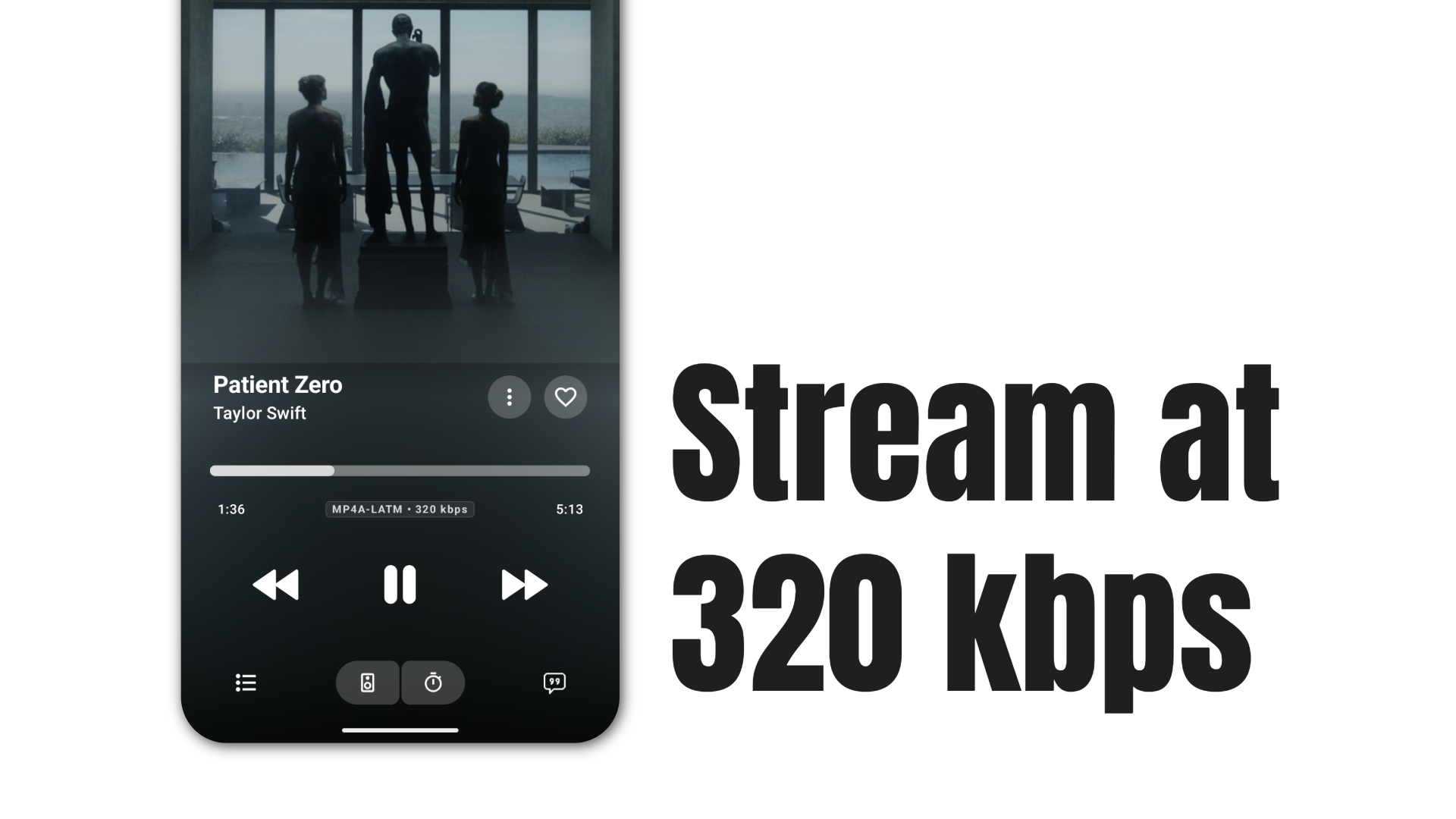
The configuration is complete. You can now search for any track on JioSaavn and stream at up to 320 kbps.